Thank you, Frank, for your generosity in sharing! Much appreciated.
In my use case, the majority of my tasks are not date specific, and don’t require a complex calendar set-up.
Instead, my tasks sit in topical folders, and I gradually feed mirrors of them into a simple urgency based task sequence (Hot, Today, Now, Next, Soon, Later, etc.) within my dashboard. This allows me to work through my list in order of urgency.
However, this is where reminders would be really helpful. Occasionally I want to flag items with a reminder to alert to me to any important or time-sensitive tasks that need to be moved up in the urgency sequence.
This means that if date-based and recurring reminders could be added into Workflowy, it would help my task management immensely.
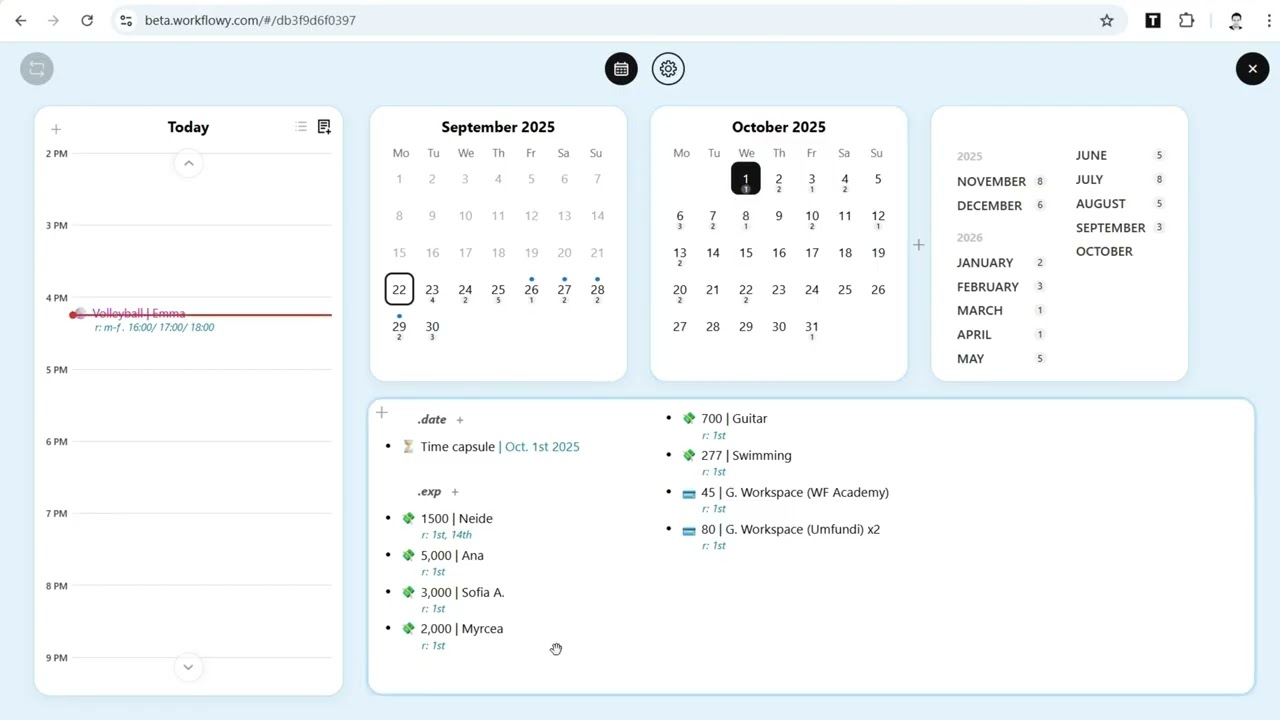
Date based reminders exist today though they are pull as opposed to push. Add a WF date, !! will bring up the date selector, and then search as you like.
Hi Frank, thanks for the amazing work on this, it’s really incredible. Is there a way to do every 2 days as a recurring task? I was thinking it may be r: 2d but I don’t think it works… thanks.
I was just messing with this.
It seems the extension counts TODAY as one of the days when using this syntax. So, r: 2d shows me a task TOMORROW. Supposedly because it’s counting days 1 day (today), 2 days (tomorrow)? This seems a little odd, but appears to be how it works.
So to get what I expect as a 2day repeat; Set it for r: 3d. That seems to show up correctly?
Ahh brilliant thanks. Have you figured out how to actual “complete” tasks - if I have a one off task and drag it into the Today planner, it just seems to stay there forever… there is no concept of “completing” tasks… should you just double click and delete it do you think?
For sure, Workflowy is pull only. If I ever have anything I really don’t want to miss I add an email reminder via followupthen.com. I have a google rule that converts those reminders to text as well. So two ways to get prompted. Not like having a push from Workflowy but it works in those instances for me as a workaround.
@frankman777 Sorry to pester (and @) but do you know when the fix for the timezome issue might be ready/live? It doesn’t completely stop it from being usable but it is a little frustrating… thanks!
I keep getting “this task has no valid next occurence within the current calendar range” when trying to forward nodes, even when my calendar does have the right day and it is set to r: weekly . Ideas for troubleshooting?
apparently weekly isn’t one of the recurrences, instead, the actual days of the week desired are what works. This extension is really working well for me otherwise! I am spending less and less time adjusting my organization methods, and more actually getting things done! Thanks @frankman777 !
 I’d love for this extension to become obsolete ASAP.
