Automatically number steps, rankings, and other sequences.
Numbered lists work like bullet lists but display a number beside each item. Numbers update automatically when you add, remove, or reorder items.
Create a numbered list
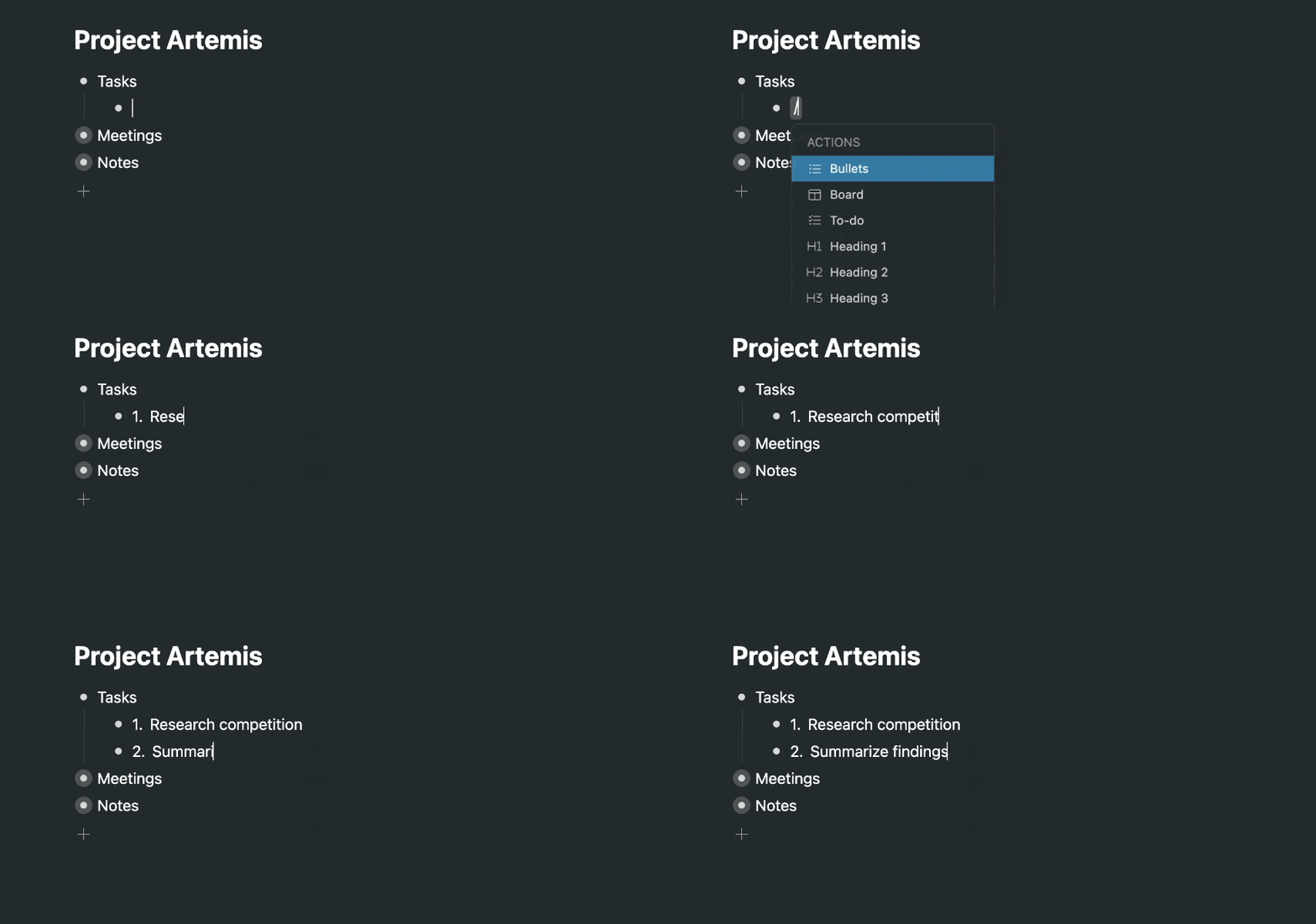
- Place the cursor in the bullet where the numbered list should begin
- Type ‘/number’ or press ‘Ctrl (Cmd on Mac)’ + ‘Alt’ + ‘0’. Or choose ‘Number’ in the node menu.
- Press Enter to add the next numbered item
Stop numbering
Run /number again or choose Bullet from the node menu. New items will use regular bullets instead of continuing the numbered list.