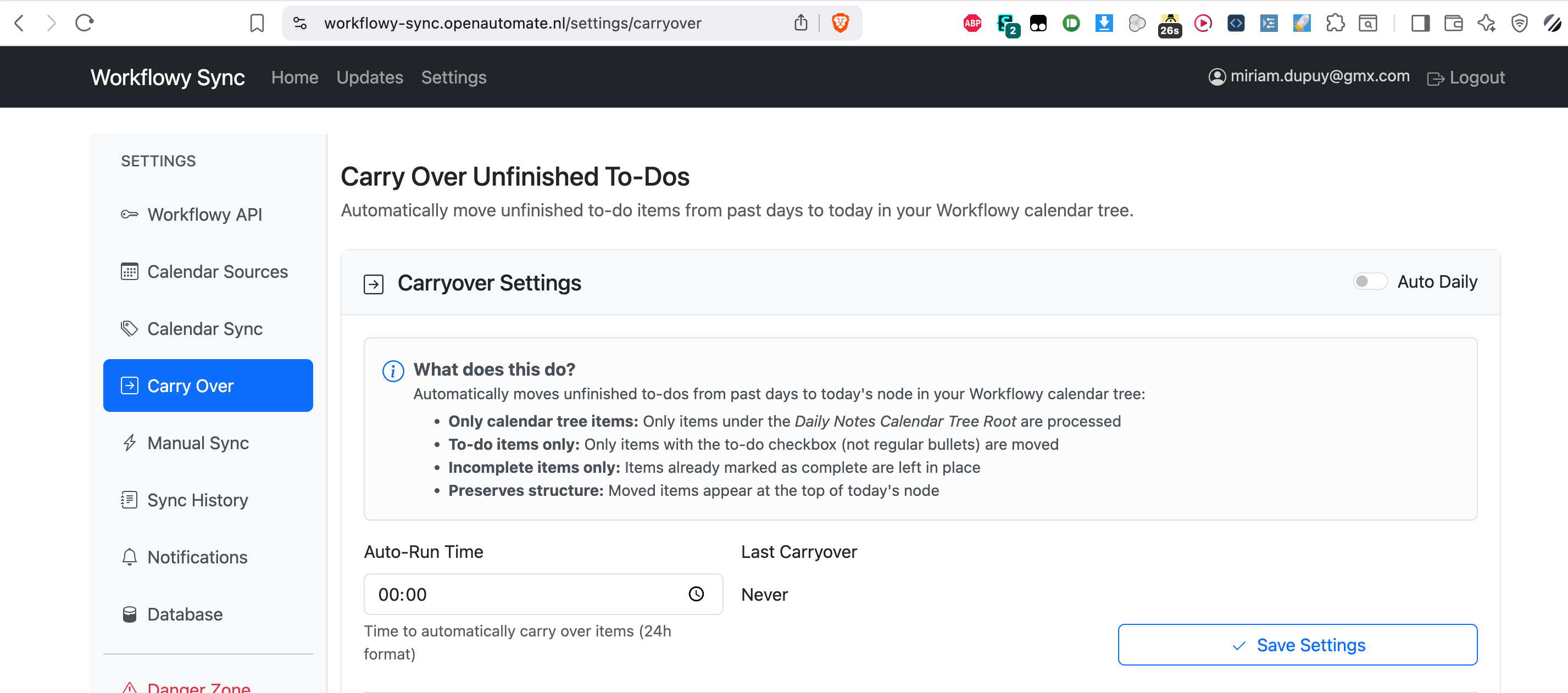
I love adding dates to my todos everywhere in my account…so sometimes I don’t check off everything I set for today. It would be amazing if (there was an option for) todo nodes—that are incomplete—with dates, to automatically move to the next day until they’re completed.
Right now I’m pretty much doing this manually, and I feel like I’m going to miss something
Not saying it’s a bad idea, but I can’t see Workflowy ever implementing a system that moves bullets without action by the user.
If you’re looking for a single button that moves all incomplete bullets forward to today, you already have it. Drag and select all the items in yesterday’s bullet and select “Move to Today” from the menu that pops-up. It couldn’t be any faster.
The manual move option ensures that only the things you want brought forward are actually moved. Sometimes it’s OK to leave items in the past as incomplete. Workflowy gives you a record that you planned to work on something yesterday. If you don’t bring it forward to today, you can always go back and check it out later and reflect on whether there is still value in completing that item or not.
That’s fair, and I mostly agree with the philosophy of WF never moving anything for you.
Maybe this could be a different request or possibly a bug then; I find selecting a lot of different non-sequential nodes to be a little finicky on my phone and tablet (touch input), and then when I do that on my iPad at least, it moves the bullet to the right date node, but the date little bubble text, is still original date (and still shows up in that date’s Found Dates). And I’m almost exclusively using the Found Dates feature; I want my nodes to stay where there at in my account, I just want tasks with dates to show up on the right dates in the calendar. If I’m not mistaken, using the Move to Date feature extracts bullets from their original location and moves them to the calendar nodes, removing the connection and context from where they came from.
Found Dates is the answer to me, leaves things where I want them, surfaces them where it’s handy. I don’t get to check my WF calendar everyday (a ‘me’ problem I admit) so sometimes I have to sift through a few days to see what needs to move forward or not. Again, I kind of agree that’s a good feature and not a bug, but the lazy convenience side of me wonders what that’d be like to just always click “Today” and see a list of everything I would have forgotten about—and be able to go to all the various projects from there that those tasks relate to.