I’m on a Mac, and some characters look different in the desktop app and in the web app.
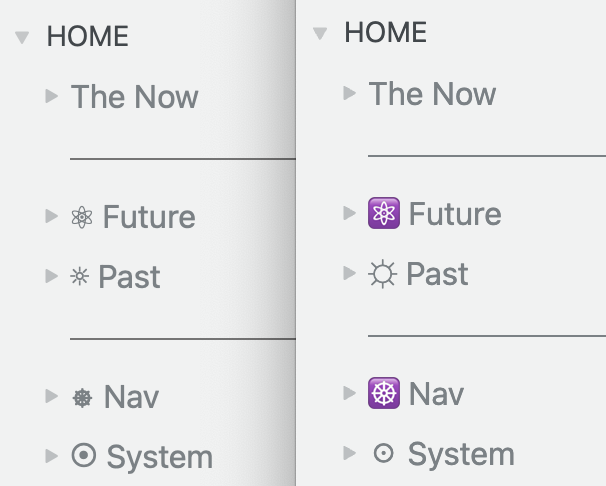
Here is a screenshot comparing the sidebar in the web app on the left (beta.workflowy.com, but the regular app looks the same) and in the desktop app on the right (v 4.3.2507241526).
If I could choose I would go for the version on the left 
1 Like
Yeah, sometimes emojis behave weirdly.
On my laptop with Mac it looks the same on web and desktop:
Was it always this way for you or is it something recent?
2 Likes
Also, I just did… something. It might be fixed now. Or maybe not!
I have not seen any change, the difference in characters is still there.
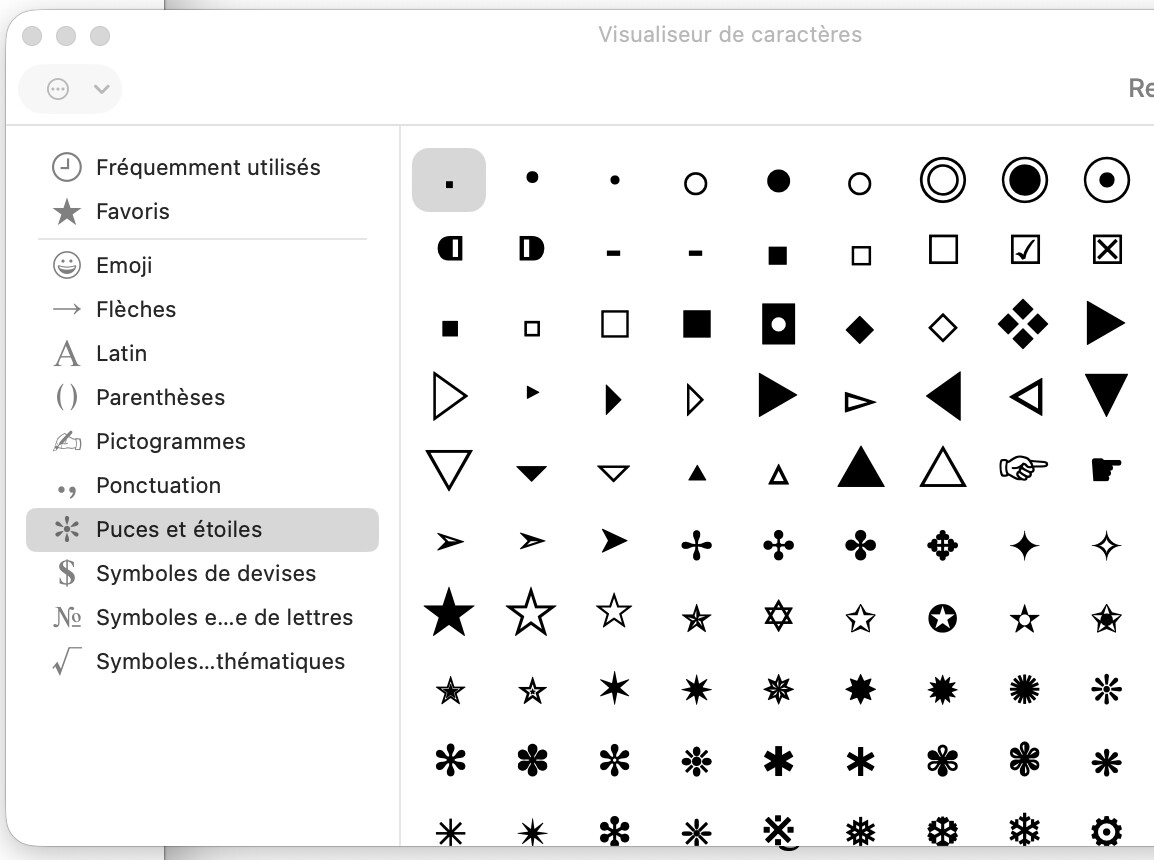
I had not entered these characters as emojis, but rather as symbols. On the Mac you can access a character panel by hitting control-cmd-space (or Edit > Emojis and Symbols). I had found my symbols in one of the non-emojis sections. On the web, or on my iPhone, the symbols appear (correctly) as symbols. For some reason the Workflowy app wants to show me these symbols as emojis…
Here are some examples of these symbols I copied from the web app :  ︎,
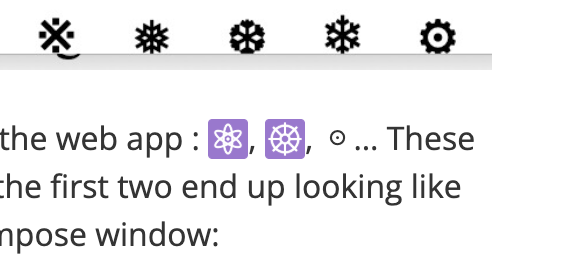
︎,  ︎, ☉… These show up as symbols in my compose window, but for me the first two end up looking like emojis in the final post
  Here is a screenshot of my compose window:
Fun fact: If I go to workflowy app, copy the symbol that shows there as an emoji, and paste it elsewhere (for instance in this discourse post)… it shows up as a symbol in the post.
How do these symbol render for you here, in the forum?
Here’s how I see them in your message, is it the same for you?
1 Like
yeah, that’s how I see them in the message too. This is not how I saw them in the compose window… (see the screenshot)
Thanks for considering thinking about this, but I ended up removing all the symbols. UTF-8 encoding is hard.
Okie-dokie.
Just curious, though, why did you want to use the unicode symbols?
I do this myself sometimes, btw 

I wanted to spice up some of my toplevel bullets 
How do you get that grey-box look?
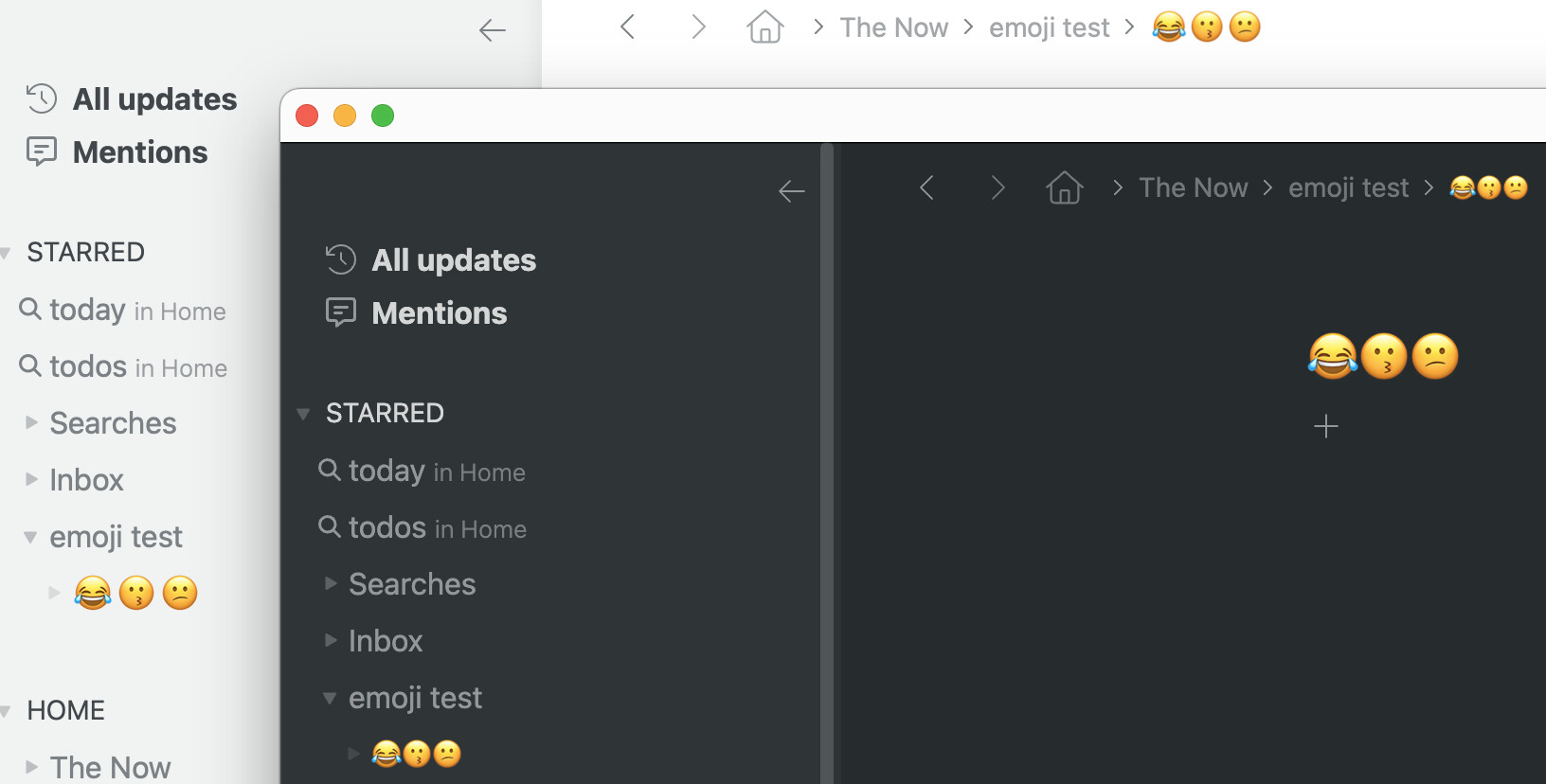
while I’m at it : emojis have different sizes in the web app (left) and the desktop app on Mac (right)
see the sidebar and the breadcrumb bar
It’s the code-snippet. It’s also small because it’s in a note.
Mine seem to be identical. Is it something new or has it always been this way?
I don’t know. Maybe I should have said earlier that I’m using MacOS 26, it could be the source of my emoji woes.