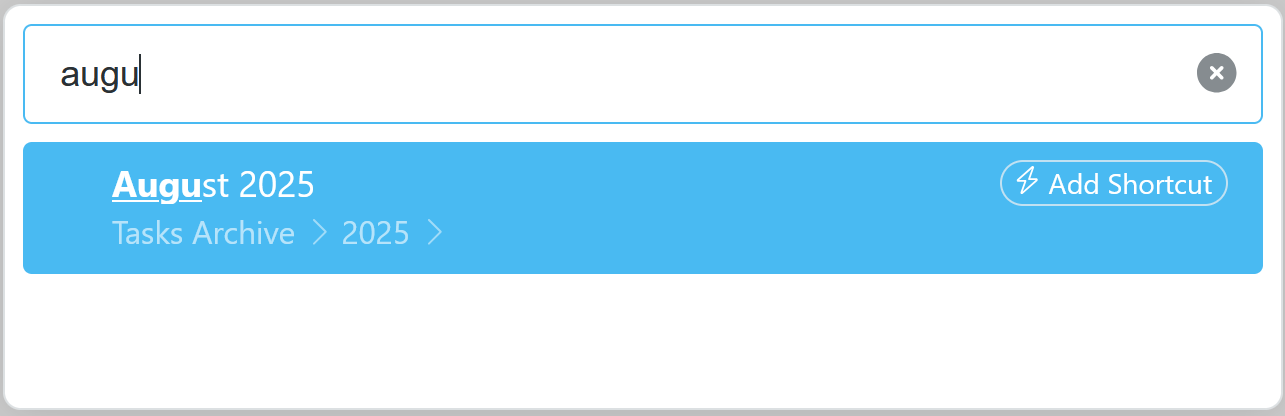
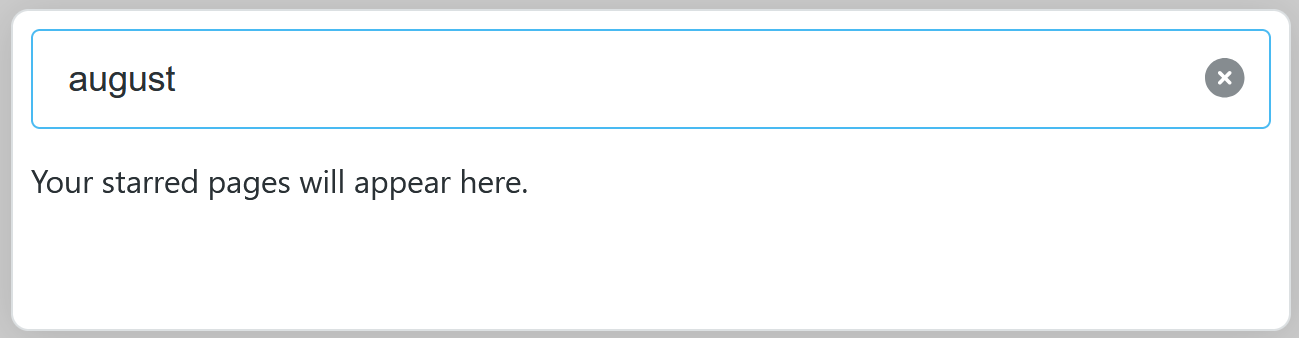
In the web app (Windows 11, Firefox 141.0), when I open a search (Esc, Ctrl-k, /move to, etc), providing more detail about a match sometimes makes valid matches disappear. For example, I have a node called “August 2025”. If I search for “augu”, the node appears:
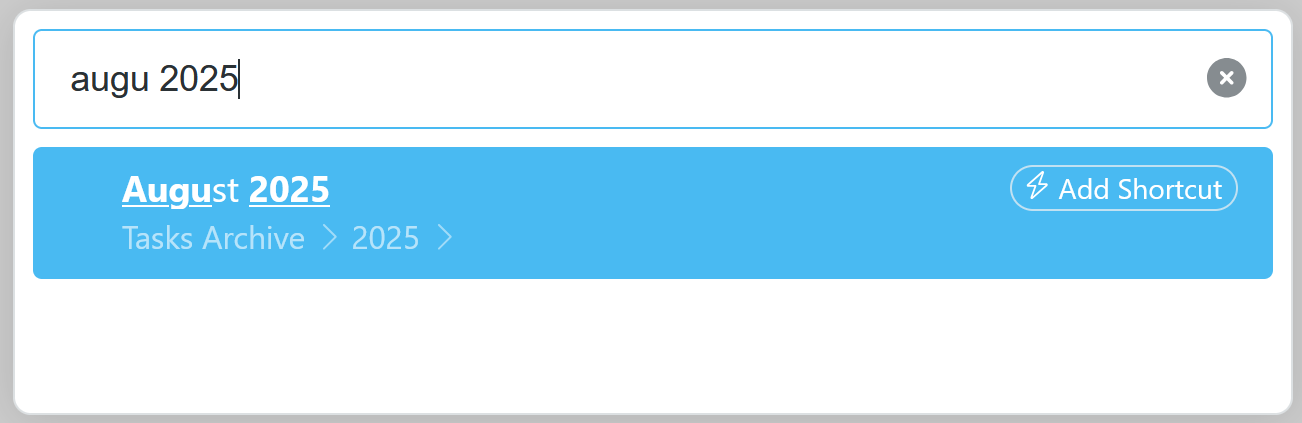
But other times, search behaves the opposite way and making a search more general causes results to disapper. For example, a precise search like “augu 2025” shows the node:
Maybe this is the intended behavior, but it feels like a bug to me. I guess I’m assuming that if every search term occurs as a substring in a node title, then the node should match that search.
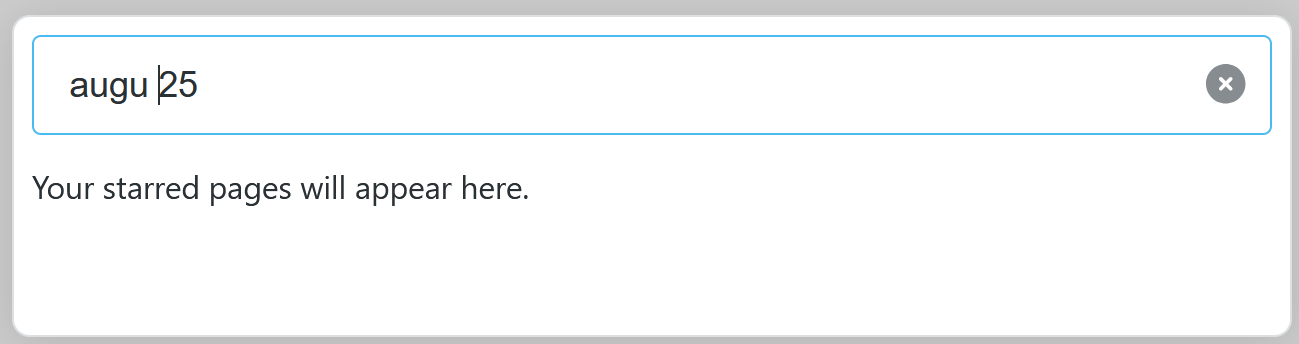
I think you are running into a “feature” of WF search, which is that strings that are recognized as dates are treated as special WF date searches unless they are in quotes. What makes this confusing is figuring out what strings are recognized as dates. So the following (without quotes) are recognized as dates “Aug 2025”, “August 2025”, “August” so will not find your text string “August 2025”, but “Augu 2025” is not, so will. For your last example, it doesn’t find anything because the “25” doesn’t match the beginning of “2025”, but if you enclosed it in quotes, it would match anywhere in “2025”. Note that if you instead typed "August “25"” (i.e. with quotes around the 25 only), it would interpret August as a date, and 25 as a “match anywhere” string. Yeah, confusing but at least consistent… WF’s search syntax is famously under-documented, alas.
Great tip. That probably explains why it started working all of a sudden: I disabled WF date support, so this magic probably went away. Thanks for the help!