I’m trying to type before an inline code block but if it is placed at the very beginning of the bullet the cursor cannot be placed before it. Using the arrow keys, the cursor moves to the previous bullet when leaving the code block.
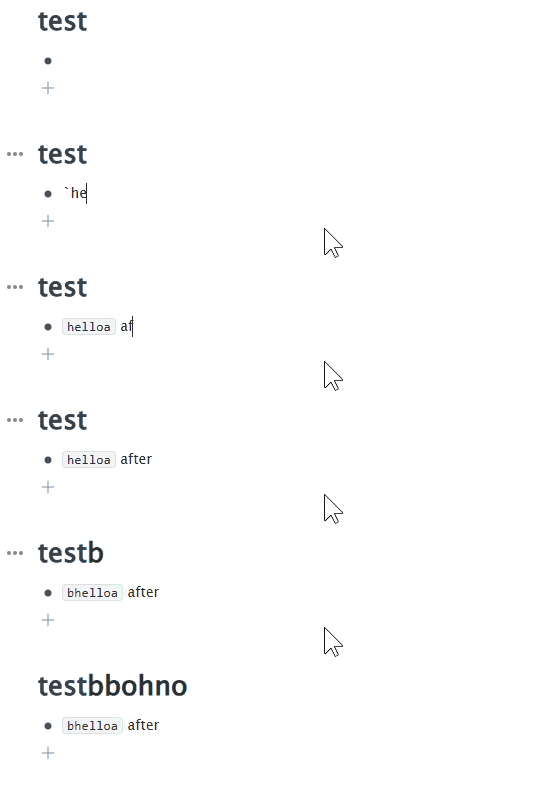
I’m trying to type before an inline code block but if it is placed at the very beginning of the bullet the cursor cannot be placed before it. Using the arrow keys, the cursor moves to the previous bullet when leaving the code block.
agreed, this is frustrating. the way inline code formatting is handled in workflowy is pretty bad. the text input should allow you to move the cursor in and out of the formated section without actually changing which characters the cursor is between – this is the approach that every mature rich text editor with backtick expansion uses (except Google Docs, but that’s a whole other bucket of problems).
related: creating a new inline code span via matching backticks unconditionally moves the cursor to the right, even if that puts into another existing word.
ironically, the software that this community portal uses handles it perfectly.
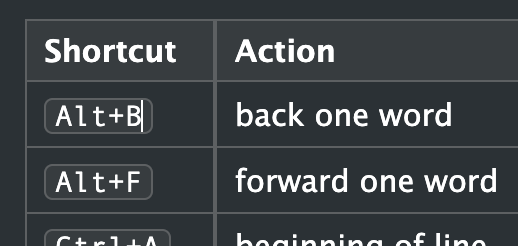
It is also impossible to type after the code block in situation like this, because right arrow jumps to the next table. Arrows should jump outside the code block first and then do the move to the next cell:
A workaround is to type the new text in a new node before or after the code-formatted text, then use delete or BS to merge the nodes.