To set one, place your cursor on a key bullet, type /shortcut , and choose a key combo. You can then use it in Jump To, Slash-command, Move To, Mirror To, and Move To Child.
8 Likes
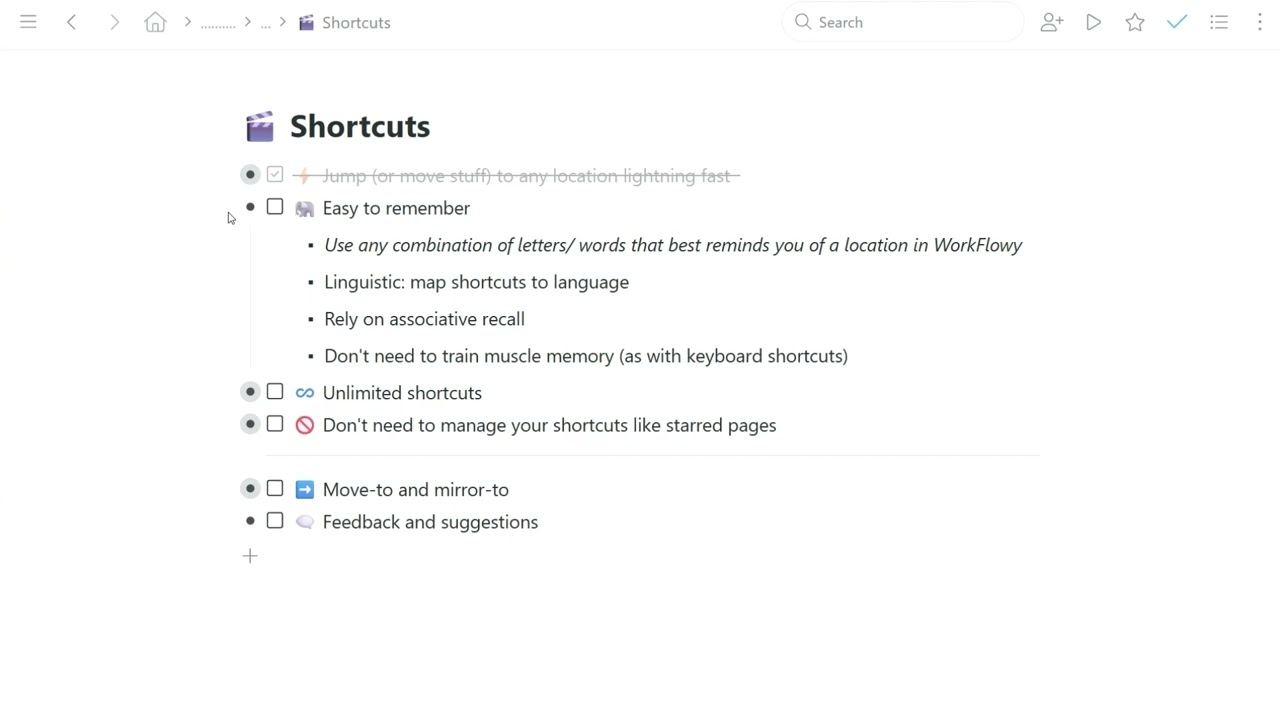
Learn how to use Shortcuts from Workflowy expert Frank Degenaar in this short video.
5 Likes
This is super great. I love the longer-videos showing how Workflowy features can be used in practice. The whole thing is so flexible that it helps a lot seeing someone using it.
3 Likes
It will be grate to be able to see ALL my shortcut and where are they point to.
6 Likes
More on the way in the weeks to come…
4 Likes