Also occurs when typing extra (starting) characters to narrow list, yet these remain as normal text when attempting to make the selection according to Workflowy documentation. Occurs regardless of virtual or external keyboard. Web version seems fine - Does not occur across several browsers (broadly and briefly tested on the iPad). This has been a persistent issue across many updates of the app and OS.
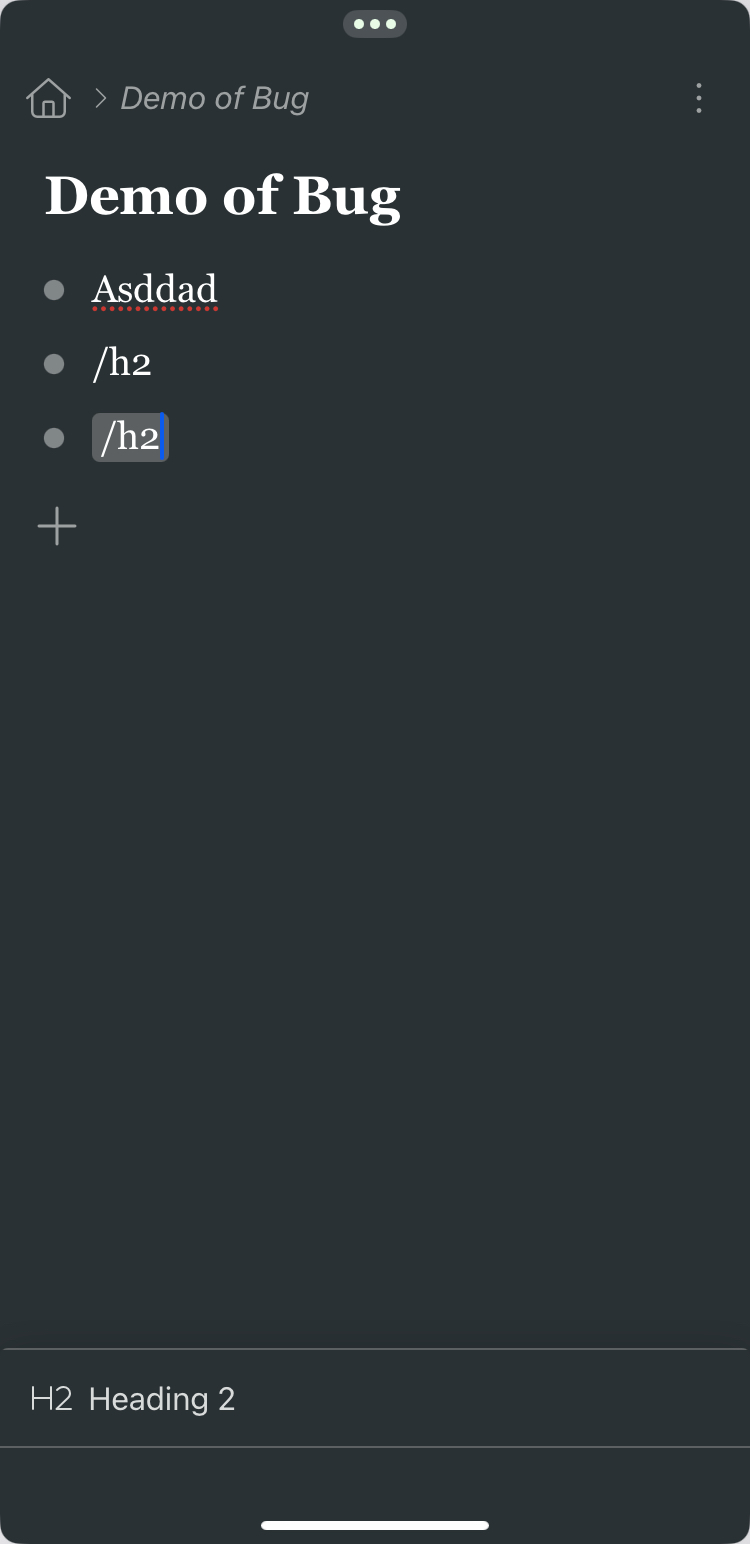
- A video can be supplied if need be
Current Resolution
- Manual selection via touch or mouse input
Operating Environment
- App version: 4.3.2601291424 [cap, ios]
- Latest at time of posting
- iPad A16, iPadOS 18.7.3
- Latest 18.x version at time of posting
Extra notes
- Open to corrections if I’ve misunderstood the documentation as it’s at least from mid-‘24.
- Better peripheral support/integration would make Workflowy truly useful off the traditional desktop. Even iOS/iPadOS has other bugs
- Currently have web and app version open depending on what feature I’m trying to use
- General experience of the app is inferior to the website on all supported operating environments!
- The majority (haven’t done accurate count) is outdated