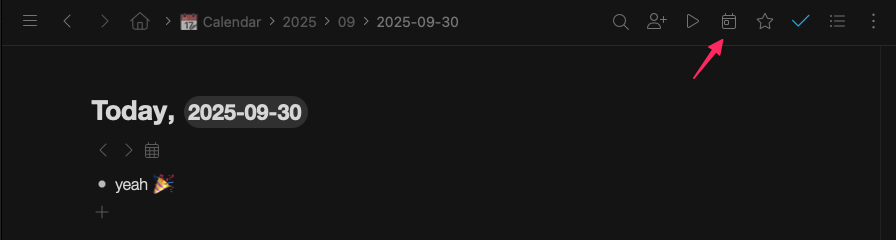
Logging in this morning, I spotted the new icon in the menu bar for creating daily notes and browsing them chronologically.
I’m really pleased this feature has been rolled out. I can’t wait to use it. Thanks for getting this implemented 
Logging in this morning, I spotted the new icon in the menu bar for creating daily notes and browsing them chronologically.
I’m really pleased this feature has been rolled out. I can’t wait to use it. Thanks for getting this implemented
Does it going to have any settings associated with this new feature?
It would be great to have a template for new days, so they are not empty 
I’m bit hesitant to move all my daily notes to the calendar yet, but I did some poking around and it looks great so far! Thanks 
hello, “I’m bit hesitant to move all my daily notes to the calendar” : me too ! i have 6 years 2000 days 10 000 info !!
I couldn’t resist.
Today I moved a few months to the calendar node and after switching settings for weeks it did mess up the nodes a bit. 
I have manually made month nodes and moved the days in. Then when I made the change in settings the month nodes (only those made manually) got moved to year level and one node from deep within some day got moved here as well.
If I had 6y of notes I would wait a bit more.
I like the new calendar feature🙂. Thank you!
I’ve just moved 3 years of timeline into the new calendar.
I had to do that on a month-by-month basis, but that was it. But that’s okay, it still went pretty quickly.
What I haven’t been able to figure out is: how do I get the calendar to show me empty nodes for the coming, say, one or two months?
Thanks!
I like this feature. But is there a way to make something recurring in the today section until it’s completed?
you can use the <> buttons beside the date picker to create new days in either direction
What a great feature. This is actually exactly how I use workflowy for my journalling and, sometimes, for scheduling work.
Now I don’t have to do it manually.
I dragged and dropped everything from my ‘journal’ node into Calendar and it was perfect. I already had Year – Month – Date nested in nodes, so it was a perfect fit.
Nice work workflowy team. Hope the calendar items will improve fast
Thanks for all the work
I moved my planning into the calendar very nice function.
Is there a way to prevent a node to be auto-moved to the date mentionned ?
the automated feature is qui usefull but when I have meeting notes in calendar with deadline I cannot use the date anymore as whenever I reconfigure calendar my meeting note get truncated because the daedline notes get moved out, messing the integrity of the above note.
and yes I am keeping my meeting notes in calendar, easier for maintaining context.
does anyone has a difference technique ?
When we use the <> buttons beside the date picker, it should not create a real entry until something is entered otherwise, when we browse notes with the button, we get a lot of empty created notes for all days that where not filled : It’s very messy
+1 for waiting to create post until text is entered
I like the behavior exactly for that reason as I appreciate having the full line of days even before I will put any entry in it.
Since different users have different use cases, perhaps a preference setting could be added that allows us to choose whether empty dates display or not?
The empty date bullets are necessary so that tasks can be moved forward to them. I have 10 years of date bullets into the future, as I have some tasks that only recur every 10 years
If you are referring to “move to date”, than that works even without the target day existing. It will create the day.
oh ok, thanks
Anyone know of a way to auto reflect all nodes containing dates in different parts of workflowy in the calendar nodes automatically?
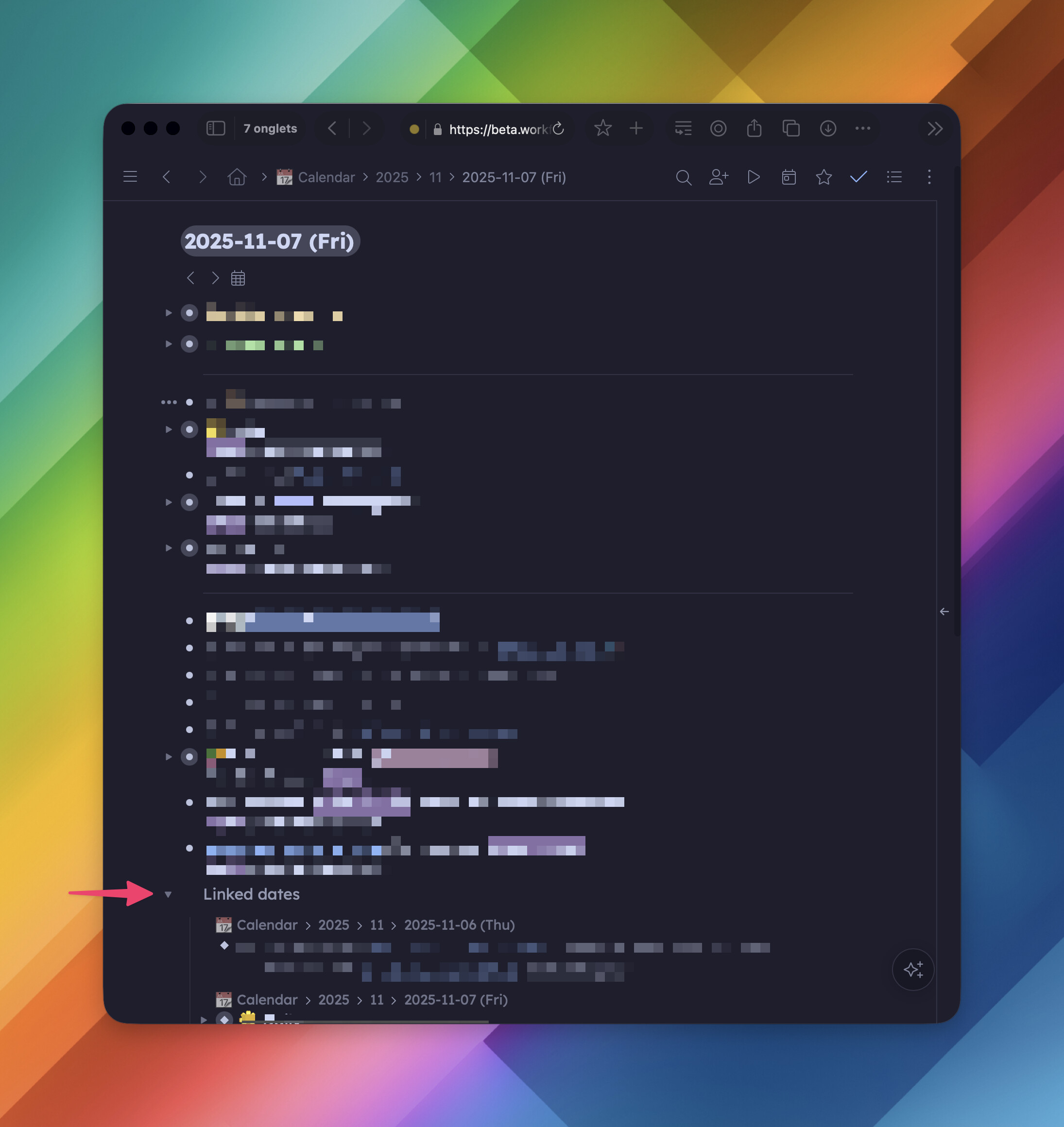
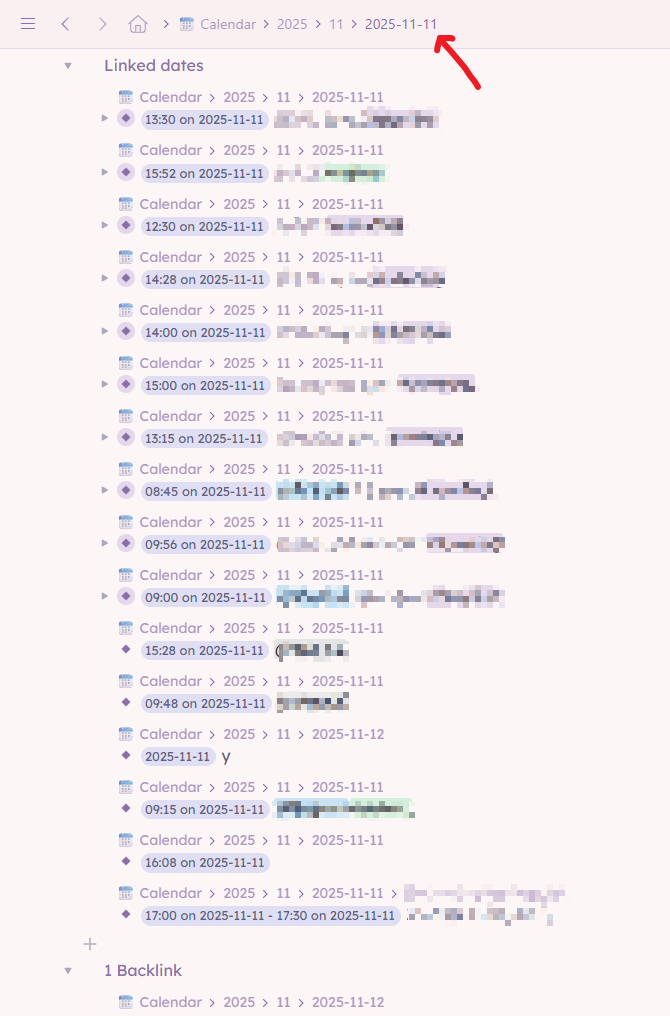
I discovered that in the beta version. There’s a “Linked dates” bullet that displays all bullets containing today’s date
This is awesome!
However … in my case, I make a lot of timestamps in my day and the reference list shows me also those timestamps inside the day. If it goes live like this, I guess I’ll have to start making time stamps as plain text  (it still worth it).
It would be great to have a query node to cover all sorts of scenarios when you want to see all related nodes. I can imagine this being helpful (beside days) for project and people tags.