So here how it currently works:
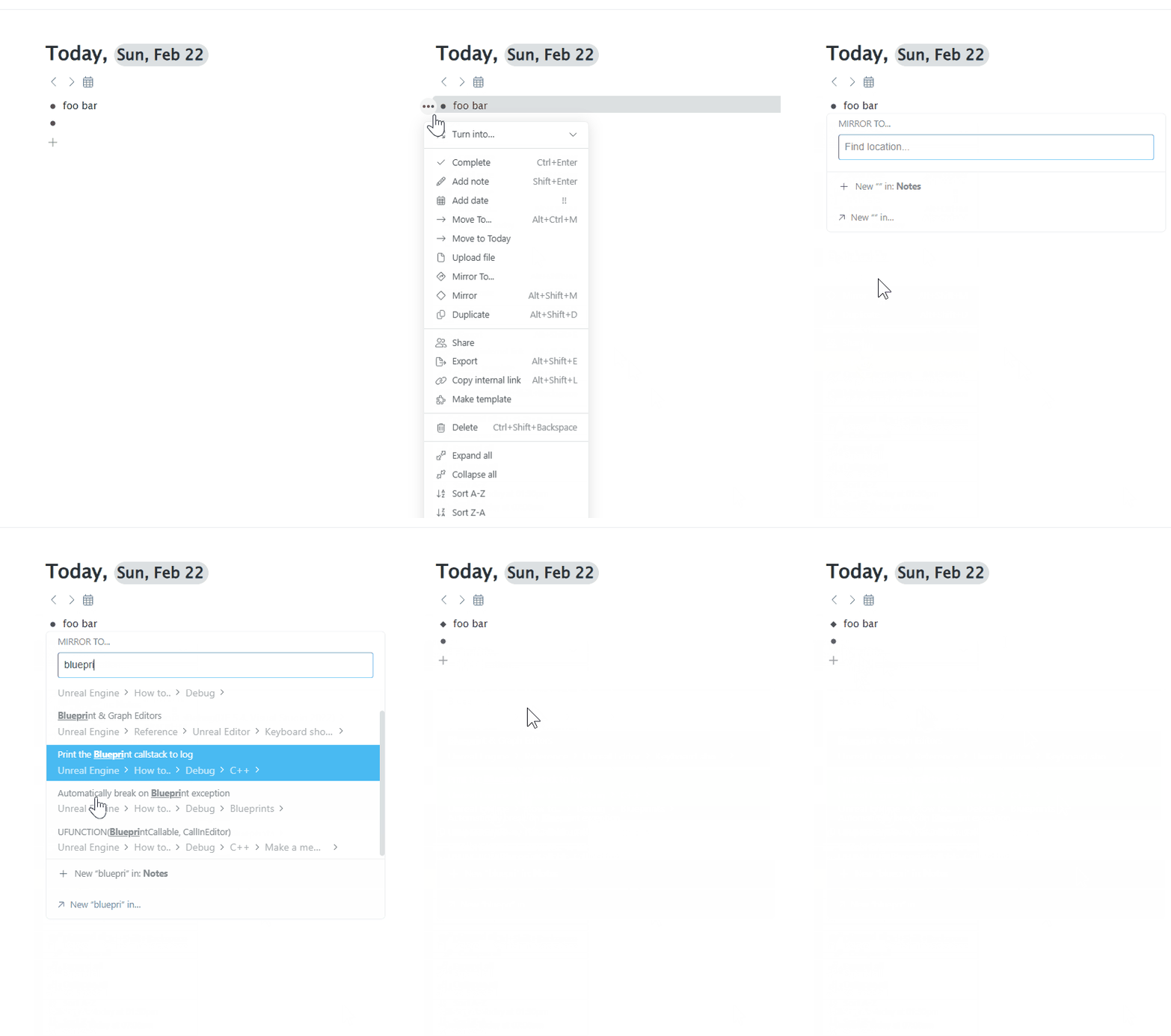
- Open the context menu
- Find “Mirror to..” that is visually burried among other rectangular icons
- Move hand from the mouse to the keyboard and type in the search query
- The option being selected is not the one you want because the mouse cursor is now right on top of the selection menu and is interfering with it
- Either move hand back to mouse again and select with a cursor
- Or to the arrow keys and try to navigate the menu (this doesn’t always move the selection where you’d expect)
- Worst case scenario: you started with the arrows, but it only took you further away and now you’d rather scroll back
This is an entire mini-game and if I need to do this for more than one bullet I start thinking maybe it’s time for a coffee break 
The slash-command
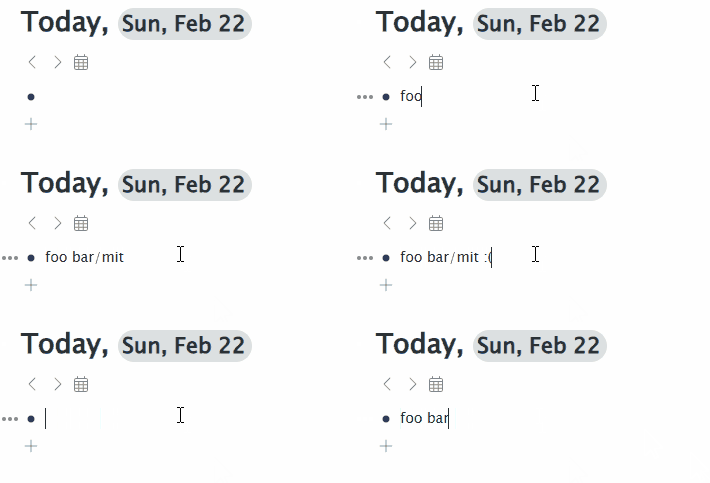
I know there is a slash command that can be used instead, but it only works if the cursor is in the correct place and if it isn’t then once you start typing and see that it doesn’t work then you have to revert the changes, which is another headache.
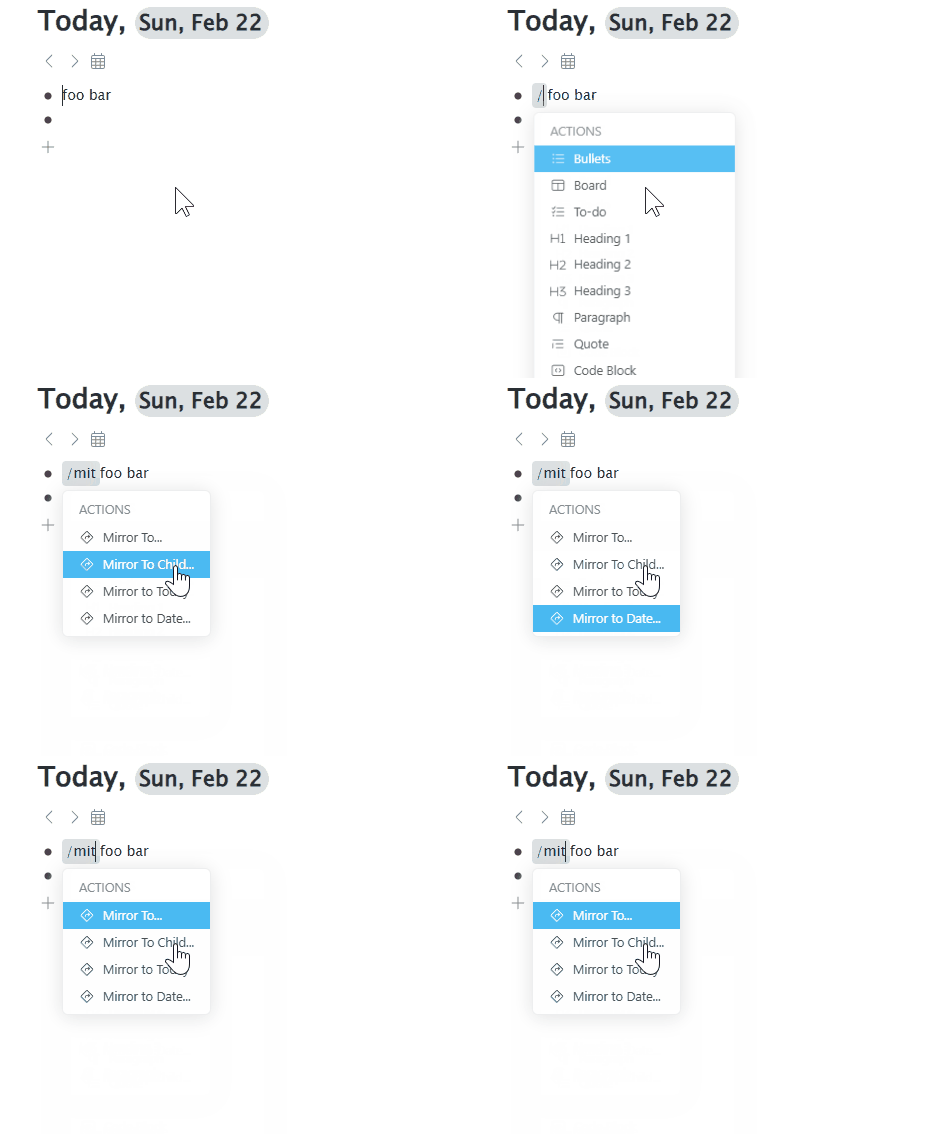
And even if the slash menu opens successfully, just like with the target selection menu, the cursor can interfeere with it.
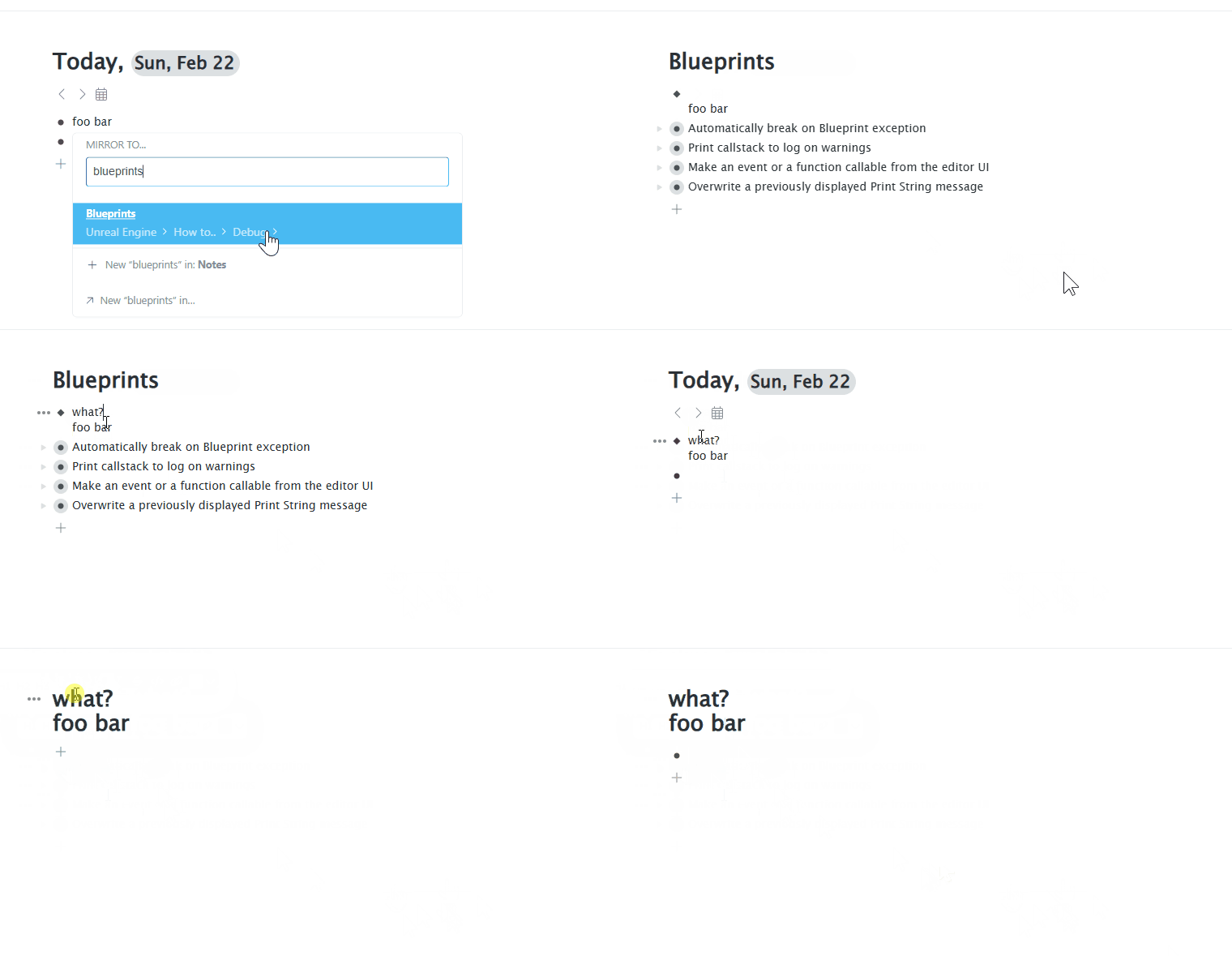
Multi-line bullets confirmed?
Then there is this pop-up that says “View Shift + Return" and if I do it I get to the mirror location, except that something miraculous happens and the bullet I mirrored becomes multi-lined 
A bare minimum fix
Add a hotkey for “Mirror to..” action, preferably something that can be pressed using left hand only, maybe Alt+Shift+W.
Or maybe make it so that “Mirror to..” is Alt+Shift+M and “Mirror” is Ctrl+C when no text is selected. This way “Mirror to..” and “Move to..” share the same pattern, and “Mirror” can be easily picked up with Ctrl+C and placed with Ctrl+V without the need to switch from mouse to keyboard for Alt+Shift+M and back to mouse again to point the location (that’s how it works in Logseq).